Sparkle hosting
on your own Cloudflare.
Distribute your Mac app to a closed group of testers from your own Cloudflare account. Every tester gets a private link, updates arrive through Sparkle, and you can revoke access at any time. Setup is one command. The free tier is enough.
What it does.
One link each
One link covers the download, activation, and updates. You can revoke it at any time, and restore it later.
One command to publish
Publish the notarized .dmg or .zip you just built.
Everyone on the channel gets it at their next check.
A back office
Channels like beta and stable, pins, rollbacks, and who runs which build. Behind a Cloudflare Access login.
The whole workflow is two commands.
npx alpha-gate deploy --instance myalpha
  └ sets up the database, storage, and both Workers in your account.
    Safe to re-run. Needs no custom domain, DNS, or API token.

npx alpha-gate publish MyApp.dmg --channel beta
  └ reads the version from the app, signs the update on your Mac
    (the key stays in your Keychain), and publishes it to the channel.
  → #1502 · v1.3.0-beta.2 live on beta
If you’d rather not use the terminal, the back office has an upload page. CI can publish too, with a service token.
Seeing who gets what.
The back office, as it actually looks. These screenshots come from a local instance with five testers and three builds.
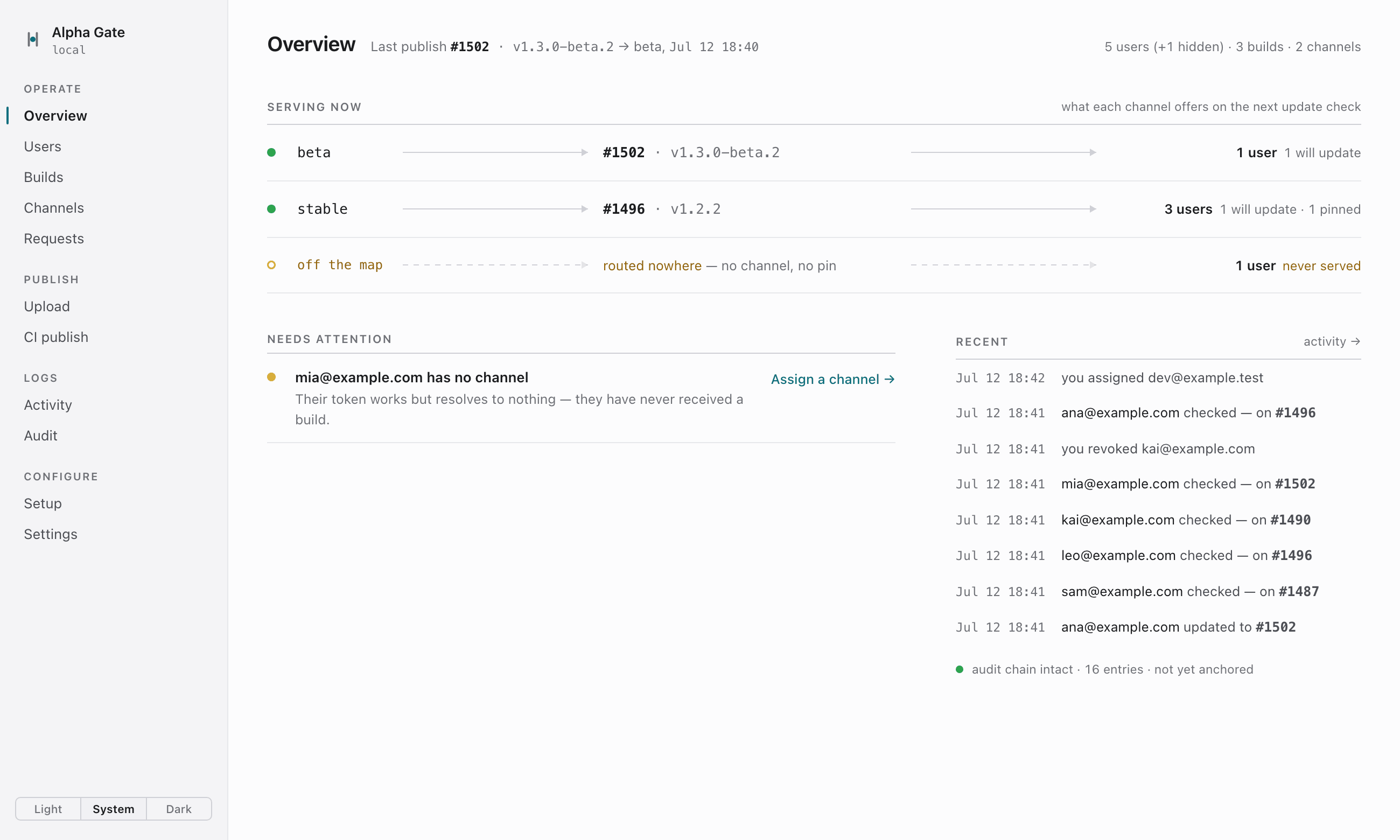
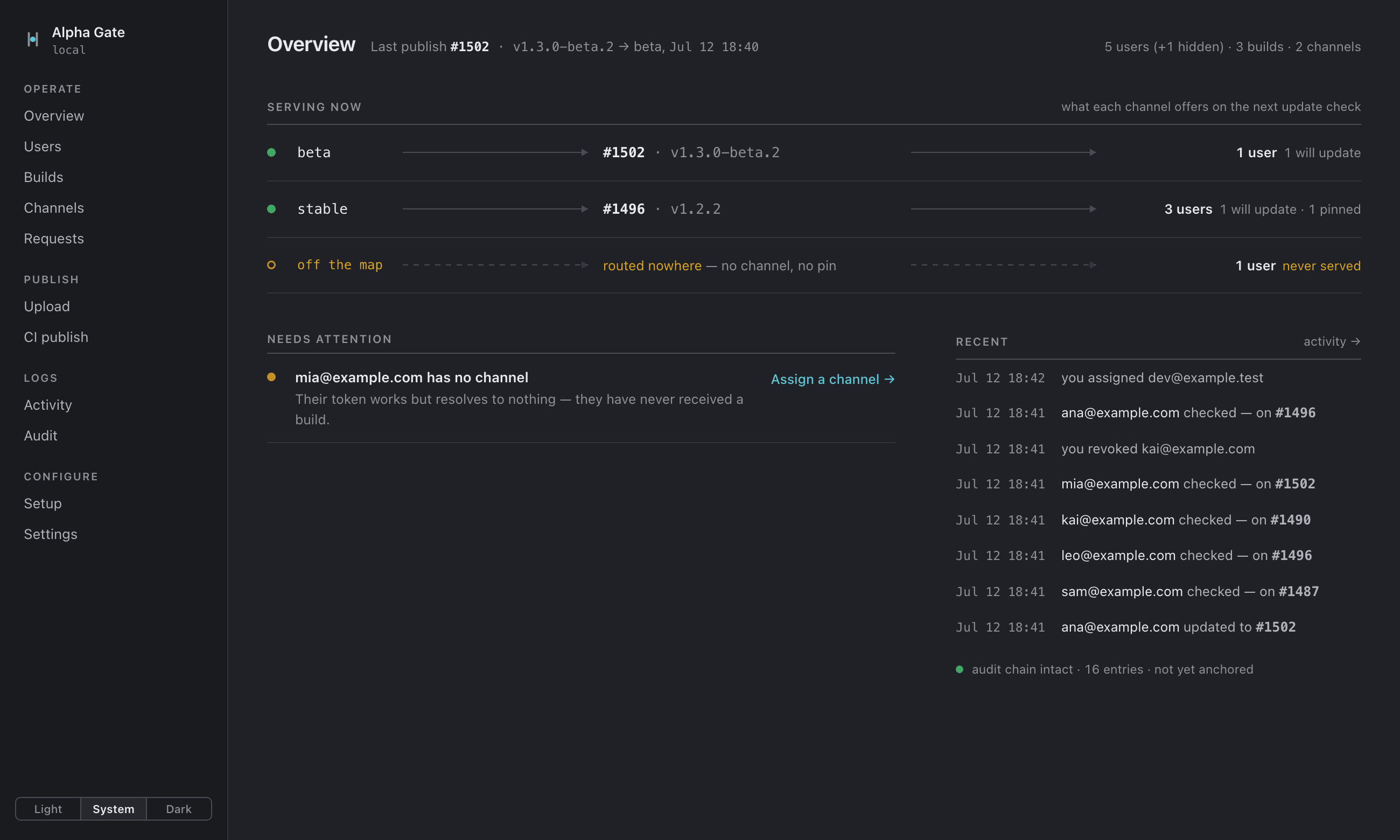
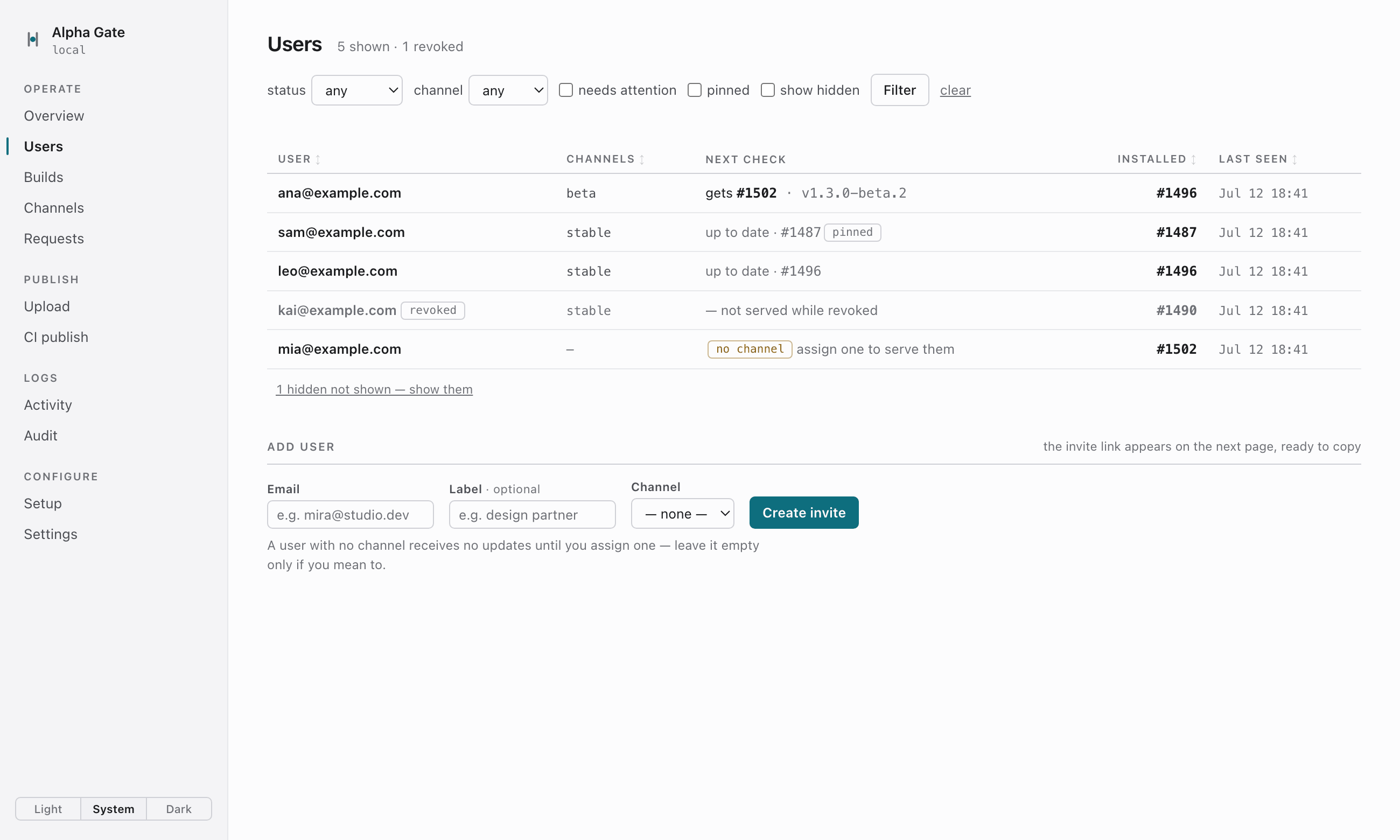
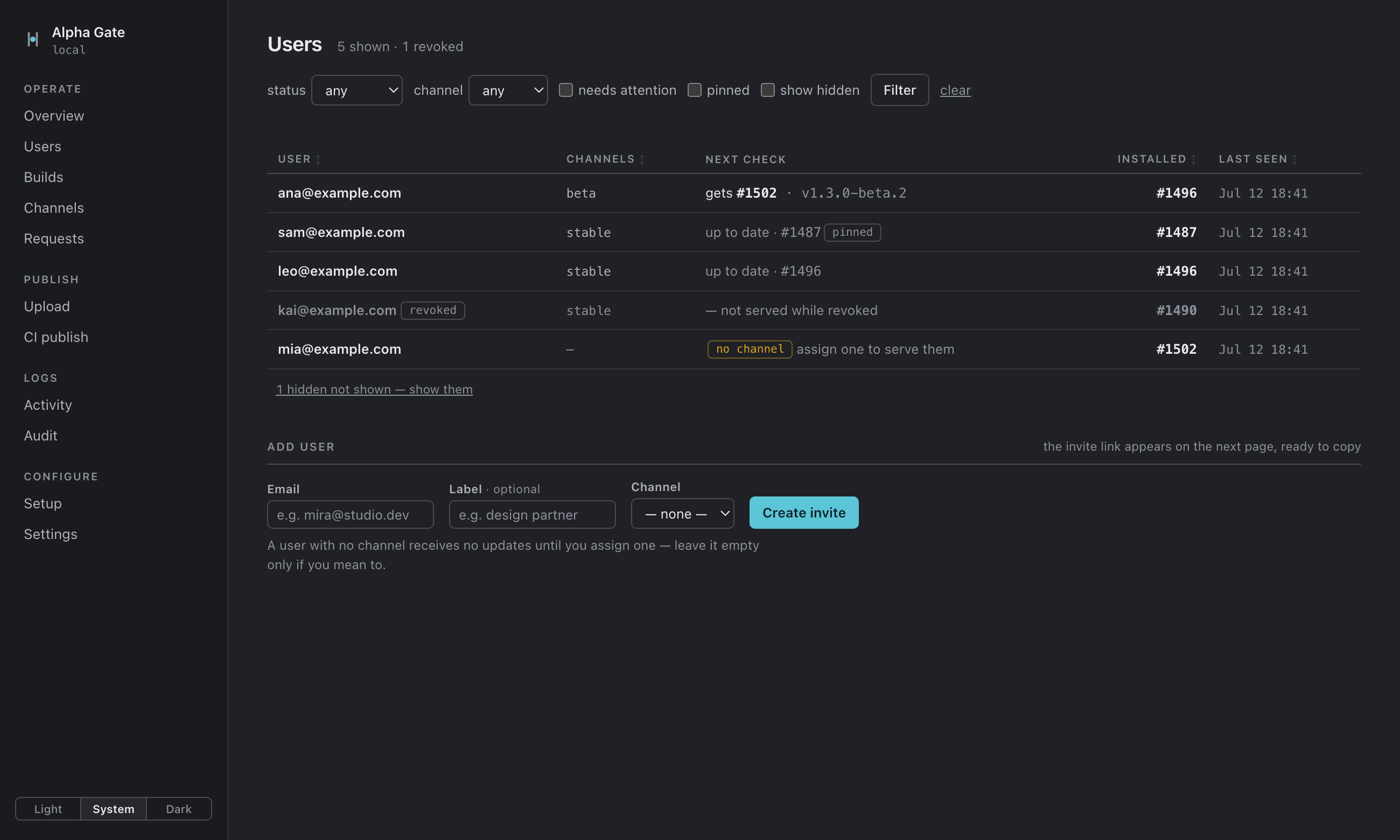
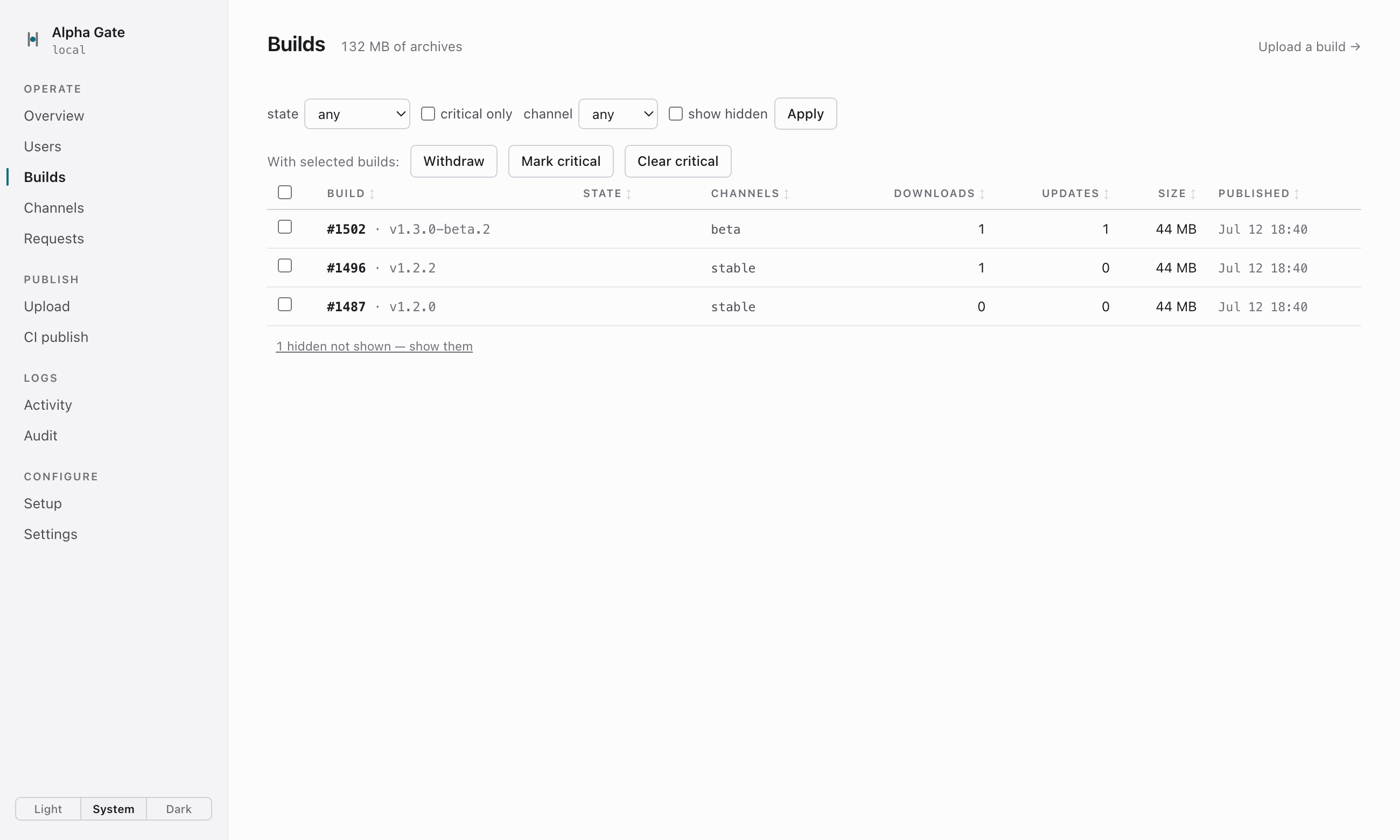
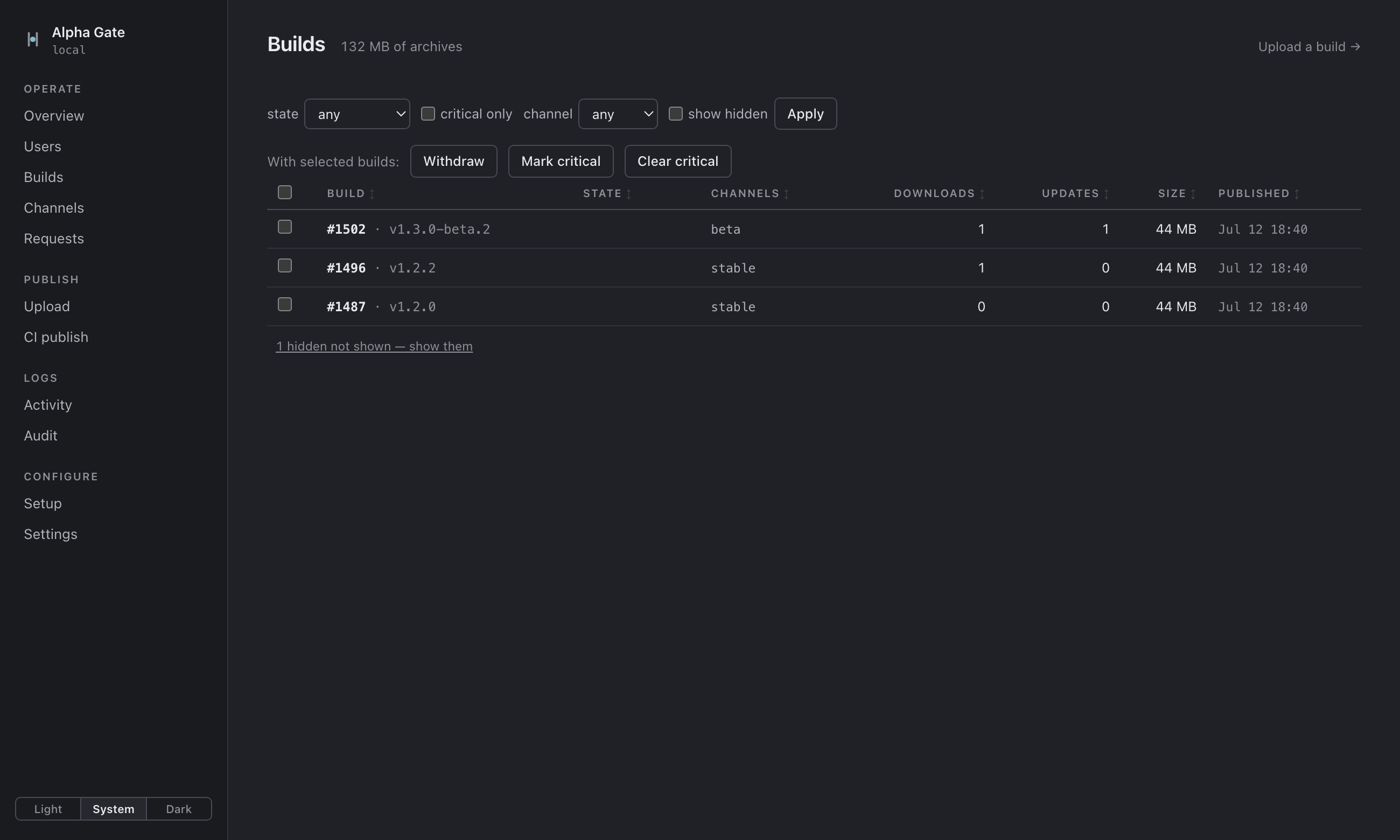
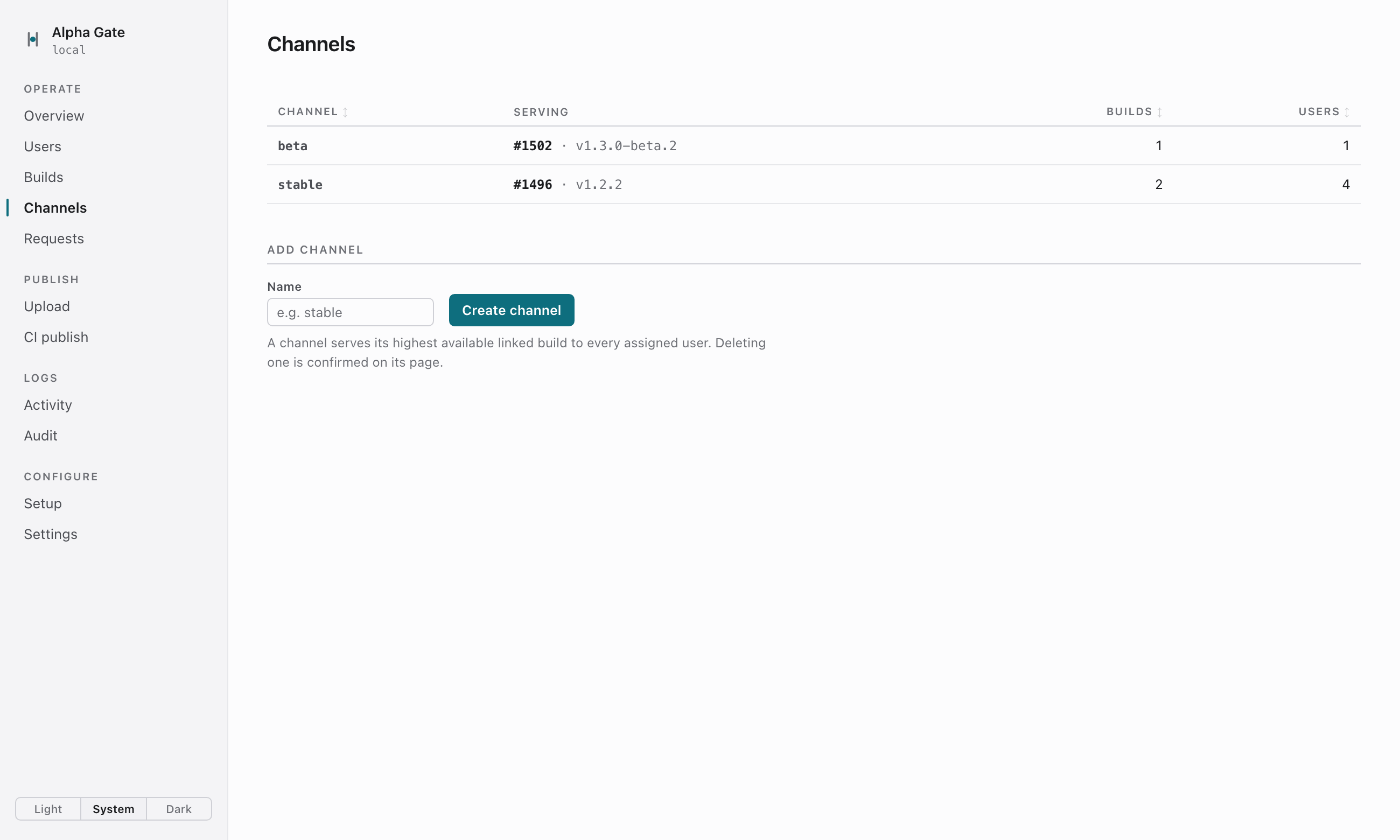
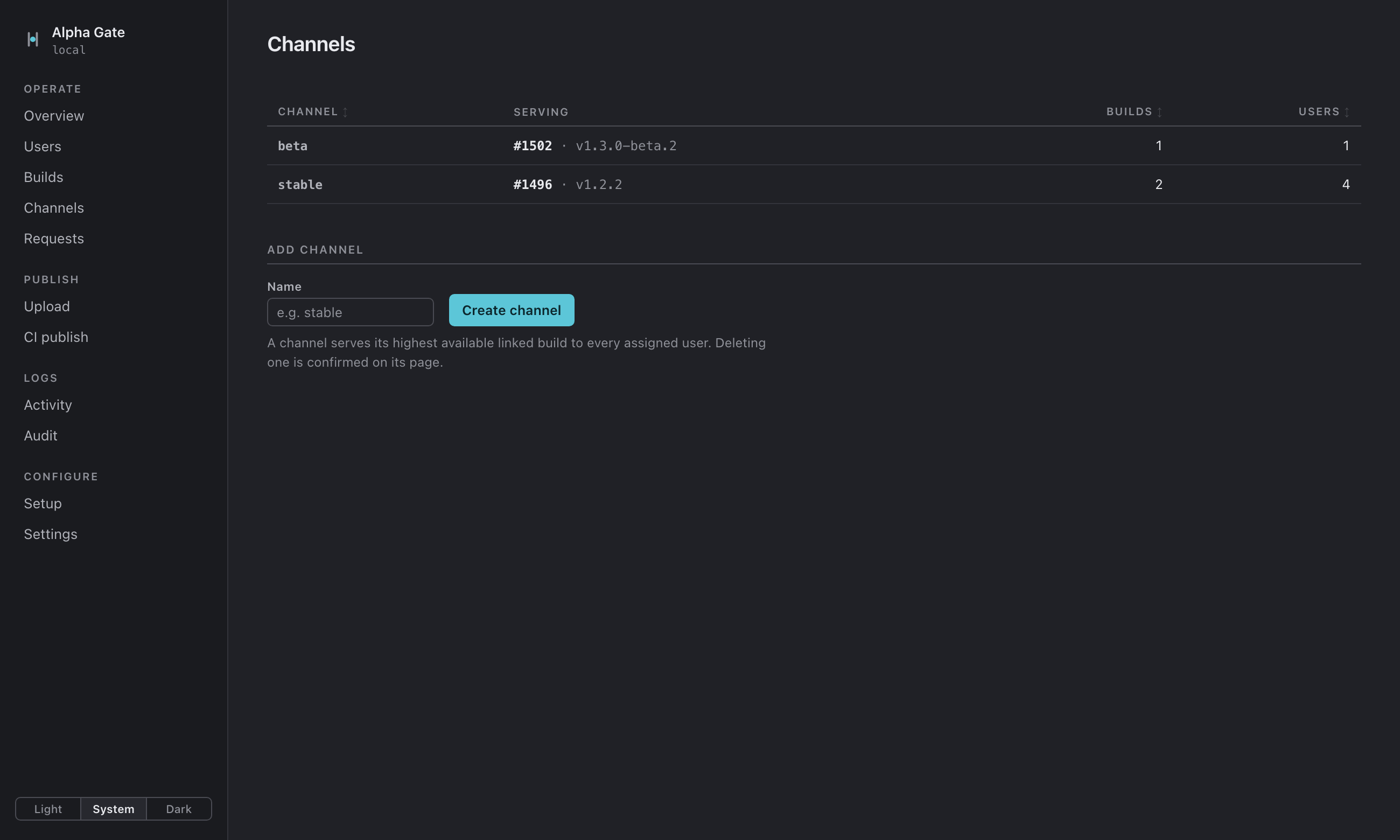
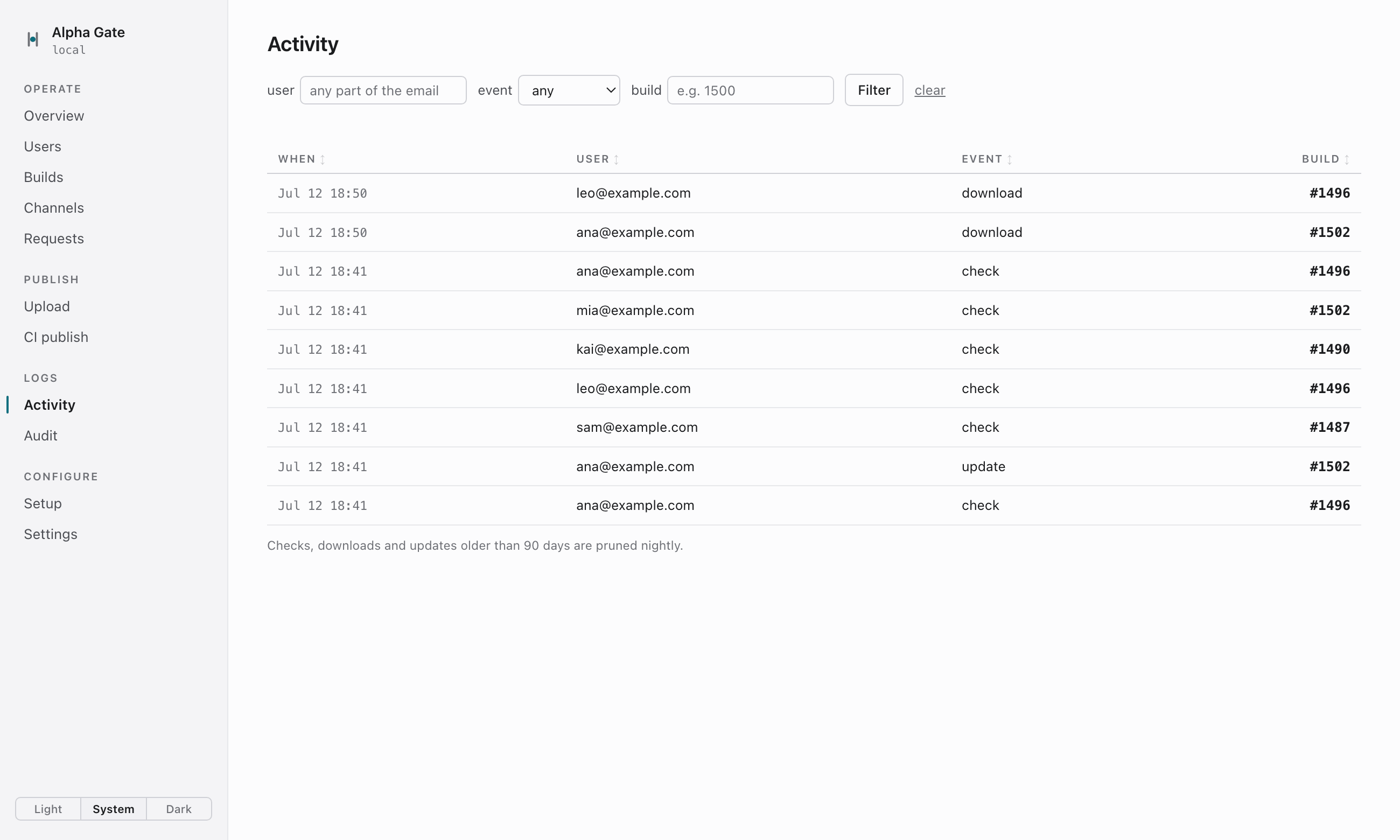
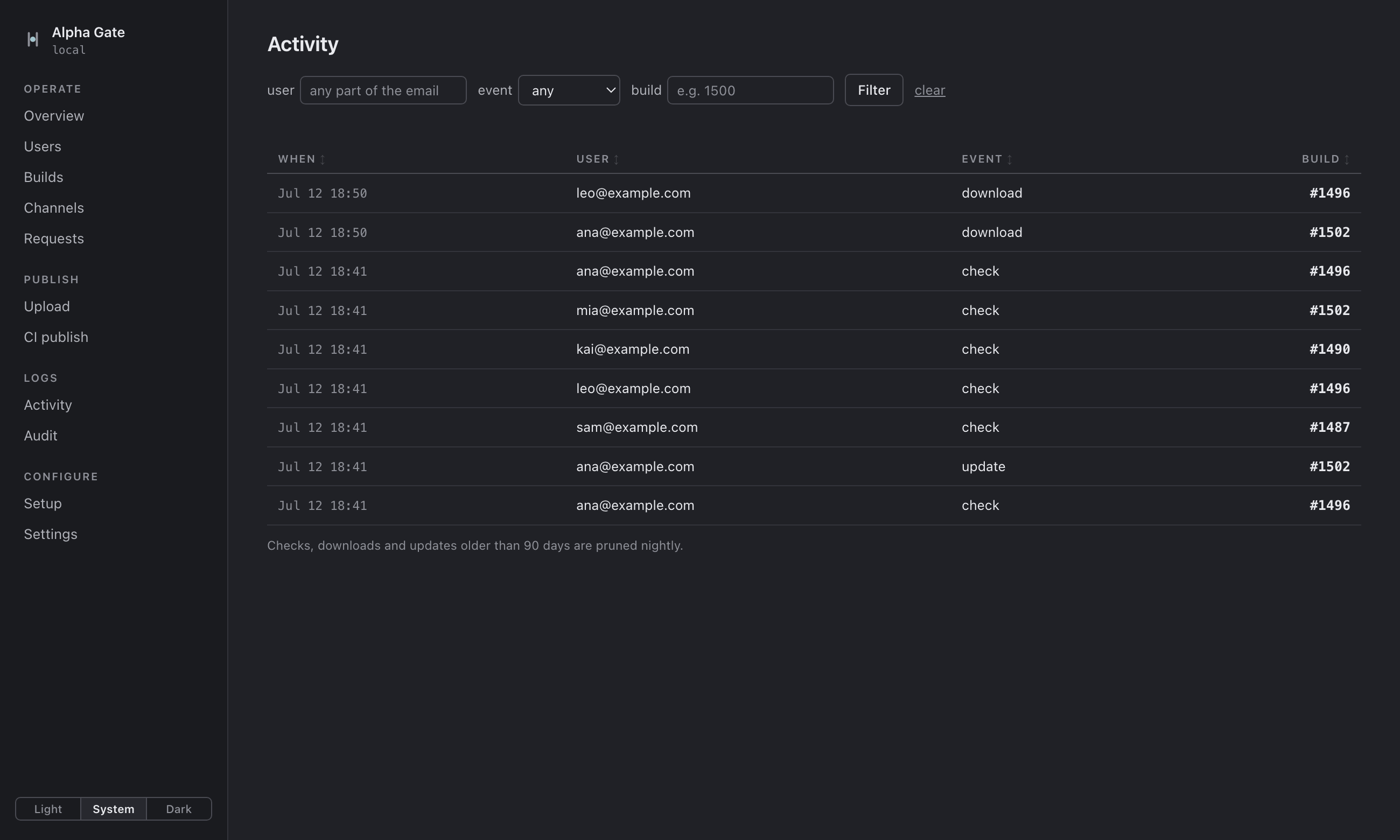
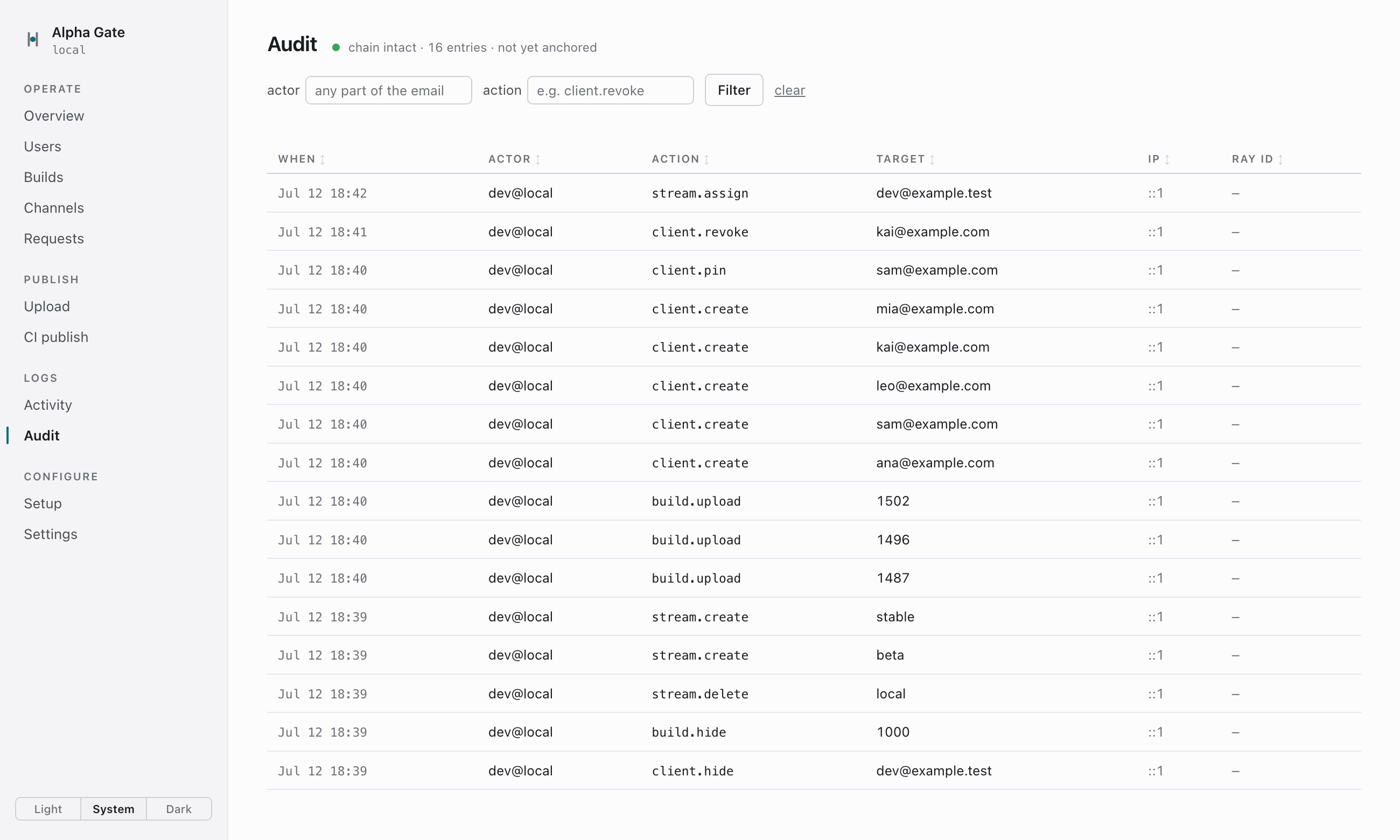
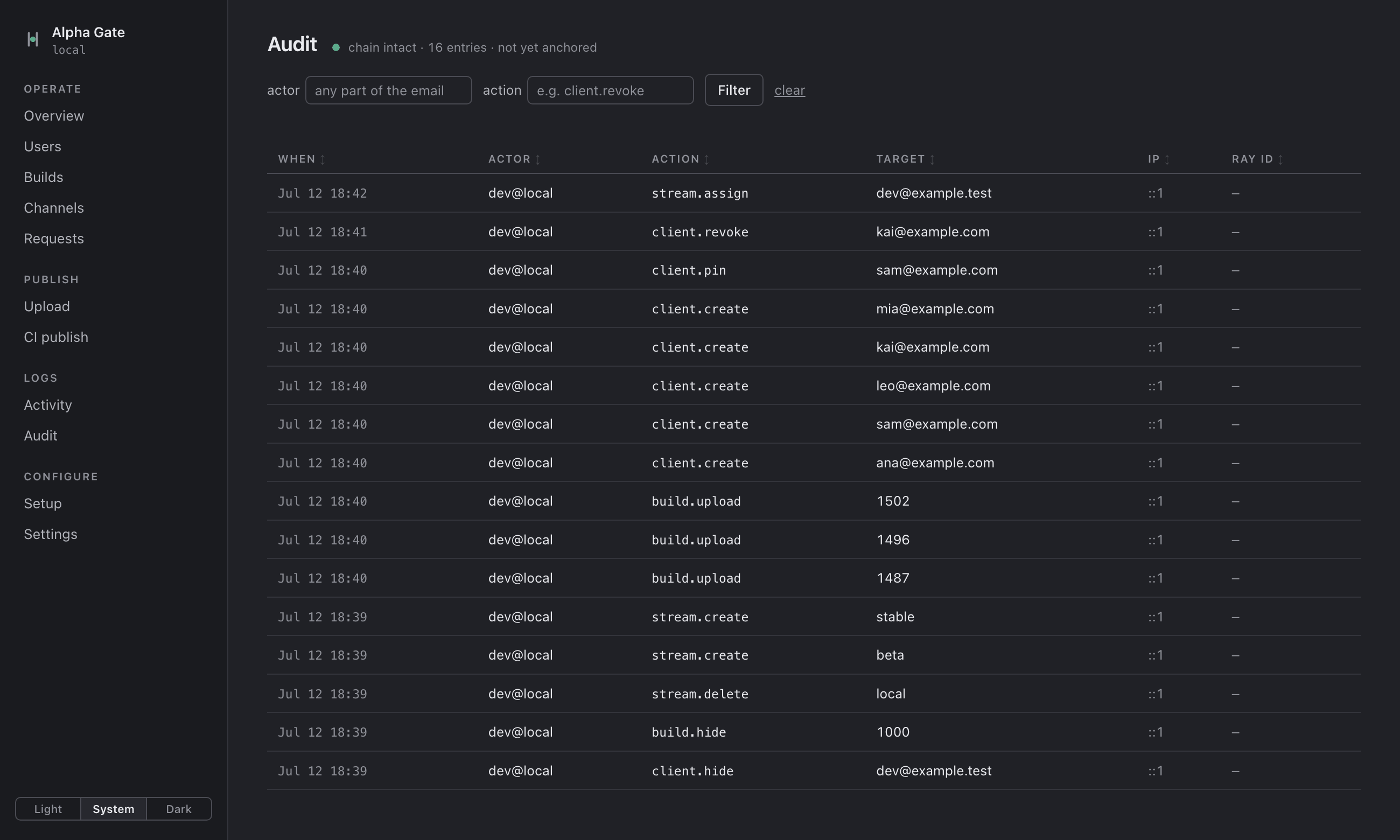
Live demo: the update feed each tester’s app would receive right now
<?xml version="1.0" encoding="utf-8"?><rss version="2.0" xmlns:sparkle="http://www.andymatuschak.org/xml-namespaces/sparkle"> <channel> <title>MyApp</title> <!-- generated 2026-07-12T00:41:03Z for ana@example.com --> <item> <title>1.3.0-beta.2</title> <sparkle:version>1502</sparkle:version> <sparkle:shortVersionString>1.3.0-beta.2</sparkle:shortVersionString> <enclosure url="https://alpha-gate-myalpha.acme.workers.dev/download?token=9J7K2M4T…&via=update" length="48211457" type="application/octet-stream" sparkle:edSignature="mDp5Gv…J8wQ==" /> <!-- verified by Sparkle against your public key ✓ --> </item> </channel></rss>
Feed for ana@example.com: one update item, build 1502, version 1.3.0-beta.2.
The XML is what Sparkle reads, so don’t worry about the details. Watch what happens instead: sam stays on the build you pinned him to, kai lost his access so his app asks him to renew it, and mia isn’t on a channel yet, so her app just says it’s up to date. None of them ever sees an error.
every admin action: 9f31c2 → 5b07aa → e91d44 → c2a871 → anchored
Everything you do in the back office is written to an audit log. The log is hash-chained and anchored daily to storage that can’t be overwritten, so tampering shows. If the login check fails for any reason, the request is rejected. A CI token can only upload builds.
How it works.
You sign and notarize as usual. Publishing adds Sparkle’s update signature here. No key ever leaves this Mac.
Install from their link. The app updates itself through Sparkle. No accounts.
Wiring it into your app.
Your Sparkle setup stays standard. The one difference: the feed URL carries the tester’s token, so the app builds it at runtime. One delegate method:
func feedURLString(for updater: SPUUpdater) -> String? {
    guard let token = Keychain.token else { return nil }   // not activated yet
    return "https://<your-app-host>/appcast?token=\(token)"
}
The token arrives when the tester clicks their link: it opens
myapp://activate?token=… through your app’s URL scheme, and you store it in
the Keychain. Keep a paste field on first launch for people who prefer to copy the key.
The token can’t ship inside the binary, because changing a notarized app breaks its
seal.
In Info.plist you add your Sparkle public key and the URL scheme, and
leave SUFeedURL unset, since there is no single feed. A second delegate
method can report the installed build number; that is what fills the who-runs-what table
in the back office.
If you revoke a tester, their next check shows a note asking them to renew access. Reactivate them and updates resume, with no reinstall. The full checklist is in the integration guide.
You own all of it.
This is the point of Alpha Gate. Your testers, your builds, and your signing keys stay
with you: the keys on your Mac, everything else in your Cloudflare account. Nothing is
shared with anyone, and there is nothing to subscribe to. It runs on Cloudflare’s free
workers.dev addresses out of the box, or behind your own domain if you’d
rather.
SIGNED ON YOUR MAC
- Developer ID + notarization
- Sparkle’s update signature —
sign_update - The private key, in your login Keychain
STORED ON CLOUDFLARE
- The app archives
- One fixed signature string per archive
- …and nothing else. The server never signs.
what crosses the boundary: archive bytes + one signature string — produced at publish time, on your machine
backup = one SQL file · teardown = one command · many isolated instances per account
One command backs everything up as a single SQL file. Teardown archives the database first, then removes it all and tells you about the two steps that still need the Cloudflare dashboard.
Trade-offs.
- Sparkle can’t downgrade. That’s Sparkle’s own rule, so a rollback is a re-release: the old version published with a higher build number.
- The token travels in URLs, so it shows up in Cloudflare’s request logs. It’s a URL because that’s what a browser and a stock Sparkle app can open without extra code. Unknown tokens get a plain 404, and the landing page sends no referrer.
- The update feed isn’t signed. Signing each tester’s feed would require keeping the key on the server. Each archive is signed instead, and that’s what stops tampered downloads.
- Your Cloudflare account can read everything. That’s how Cloudflare works: the dashboard can always read its own databases, live tokens included. Use a dedicated account if that matters to you.
Open source.
The code is on GitHub. It’s a small TypeScript project: two Workers, a deploy CLI, and a test suite that runs offline, so developing needs no Cloudflare account. Issues and pull requests are welcome.
Contact.
Questions, feedback, or something broken? Write me.